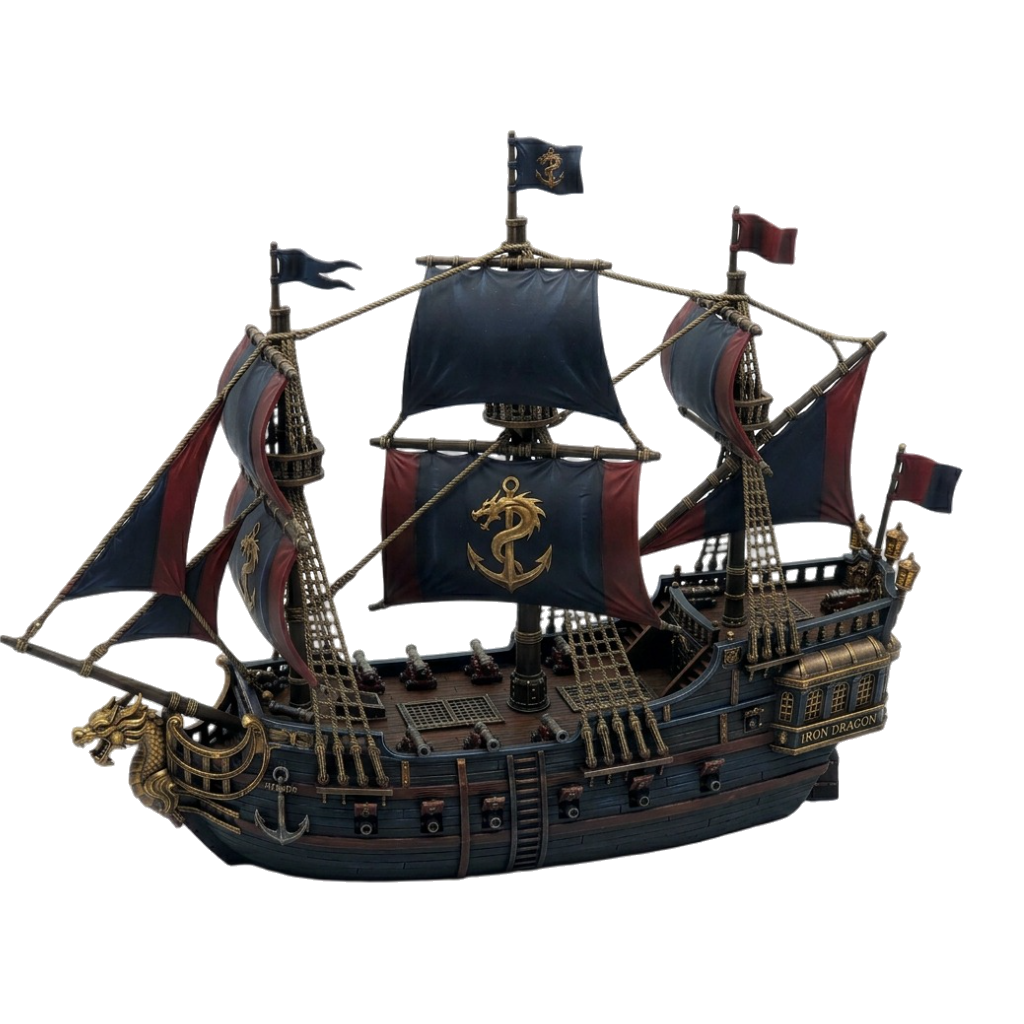

MiniMagic is the complete AI miniature studio — from first idea to print-ready file, all in one place.
Describe it. Get a textured 3D model in under two minutes.
Front, back, left, right — one click, full reference sheet.
Finishes, style transfers, surface detail — one prompt.
Watertight manifold topology, tuned for resin and FDM.
Orbit and inspect in the built-in WebGL viewer before you export.
Grimdark, fantasy, sci-fi, anime — tuned for tabletop scale.
Type what you want to see — warrior, creature, vehicle, or terrain. Choose your art style and set your creative direction.
MiniMagic renders a fully textured, print-optimised 3D model — ready in under two minutes.
Inspect in the 3D viewer, run turnarounds, retexture — then export in STL, GLB, FBX, or OBJ.
"Generated an entire chaos warband in one afternoon — the grimdark style was spot on and every model printed clean first try."
"Prototyped a full skirmish roster in a weekend. Concept-to-sculpt time dropped from weeks to hours."
"The turnaround feature is my starting point for every client sculpt. Nothing else gets me to a solid reference pose this fast."
"I described my campaign's final boss and MiniMagic just… made it. My players were speechless when I put it on the table."
"Three custom characters for a tournament — all printed in time. Geometry was perfect, zero supports failed."
"The retexture tool alone is worth it. Frostbitten Nordic finish in seconds — it's genuinely wild what this thing can do."
"I was skeptical AI could do tabletop-quality geometry. I was wrong. Everything comes out watertight, first time."
"We prototype all our board game pieces with MiniMagic now. What took our sculptor two weeks takes two hours."
"My viewers watch me go from a wild idea to a 3D print in real time. The reaction every single time is pure disbelief."
"Styles for Every World is a superpower. I finally have models that actually look like the world I've been building for three years."
"The concept-to-model pipeline is impressive for the price. For rapid prototyping it's genuinely unmatched — nothing comes close."
"Built my entire undead army last winter. Friends kept asking where I bought them. I told them I made them myself. That felt amazing."

Background removed automatically · 2–4 angles = best results
Click any model to load in the viewer.
All your generated concept art.
Before generating the clay preview, please verify the right and left side views are facing the direction shown by the arrows on each card.
If a side view is facing the wrong way, click ↺ Try Again on that card to regenerate it. Bad facing makes the 3D model come out wrong.
Subscribe now to turn your concept into a 3D model
This will only use the front image — your other turnaround views will be ignored.
💡 You have turnaround views available — Advanced Mini will use all of them for a better result.
Ready to Create Something Amazing?
| Date & Time | Type | Amount | Status |
|---|
v3.0-20250812 (current), v2.5-20250123, P1-20260311 (low-poly optimised)v3.0-20250812standard · detailed — detailed enables v3 Ultra mode (sculpture-level precision)detailedtrue. We set false and texture separately for more controlfalsestandard · detailed (high-res, finer material detail) — only used when texture is activedetailed ✓texture: true if set. Default truefalsefalsefalseoriginal_image (visual fidelity, default) · geometry (3D accuracy, may deviate from photo)original_imagedefault · align_image — auto-rotate output to match input image orientationdefaultfalsefalsetruetrue (default)"image_to_model"✓{ type: "jpg"|"png", file_token: "tok_…" } — use object (STS recommended) or url (direct CDN link, max 20MB)file_token via STSfalsefalse"multiview_to_model"✓[front, left, back, right] — front is required; omit others with {}. Min 2 images total. Each item: { type, file_token } or { url }front + up to 3 views{
"type": "image_to_model | multiview_to_model",
"model_version": "v3.0-20250812",
"geometry_quality": "detailed",
"texture": false,
"pbr": false,
"texture_quality": "detailed",
"face_limit": null, // adaptive (400 000 in print mode)
"quad": false,
"negative_prompt": null, // set in print mode only
"orientation": "default", // not sent — Tripo default
"auto_size": false, // not sent — Tripo default
"export_uv": true, // not sent — Tripo default
"model_seed": null, // random each time
"texture_seed": null, // random each time
"texture_alignment": "original_image", // set in texture pass
"enable_image_autofix": false // not sent — Tripo default
}
tripo_gen_log.jsonl in the server directory. Each line is a JSON record with task_id, type, model params, view count, image size, HTTP status, and credits charged. You can tail -f tripo_gen_log.jsonl to watch in real time.